
🔐
Simple Authentication
Add user login to your extension with just a few lines of code. Support for email/password and Google OAuth.
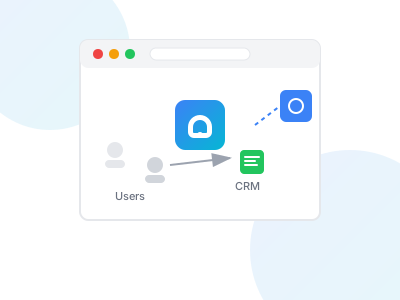
Add authentication, user data capture, and CRM integration to your Chrome extension in minutes.
Sign up and create an application in the dashboard. You'll get an API key for your extension.
npm install extensionloginimport ExtensionLogin from 'extensionlogin';
// Initialize with your API key
ExtensionLogin.init({
apiKey: 'el_live_xxxxxxxxxxxxxx'
});
// When user logs in, identify them
ExtensionLogin.identify({
email: user.email,
name: user.name
});User data is automatically captured and sent to your configured CRMs.
"ExtensionLogin saved us weeks of development time. We had user auth working in our extension within an hour."
— Chrome Extension Developer
No credit card required